
INT TimeCode Tool
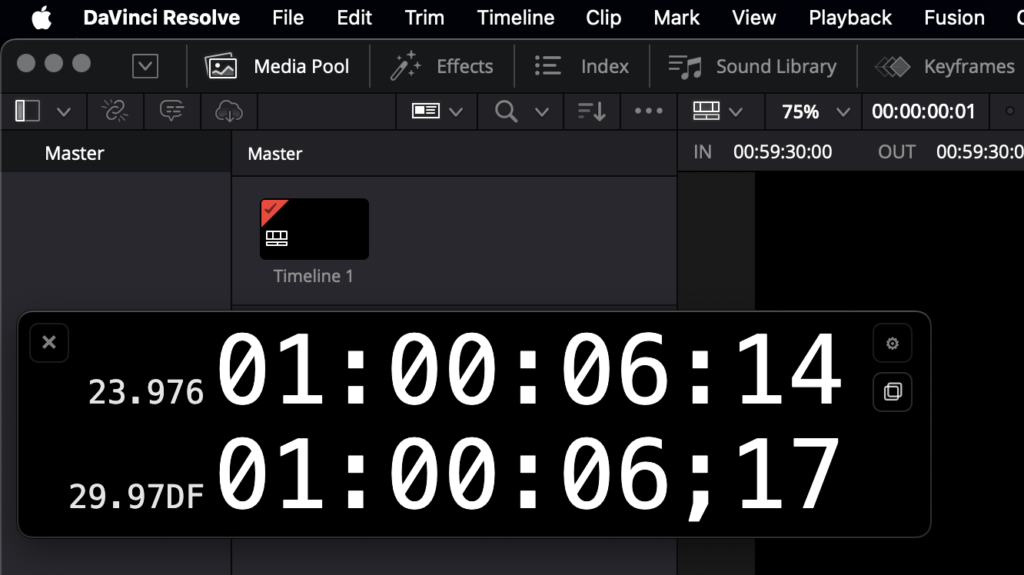
INT TimeCode Tool
$29 – One-time purchase
No subscription
Buy INT TimeCode Tool
Real-time 23.976 → 29.97DF / 59.94DF converter for DaVinci Resolve
Many broadcast projects are edited in 23.976 timelines but delivered in 29.97DF.
Checking broadcast runtime during editing in DaVinci Resolve can therefore be difficult.
INT TimeCode Tool solves this by displaying real-time 29.97DF / 59.94DF timecode while you edit in a 23.976 timeline.
INT TimeCode Tool is a Workflow Integration plugin for DaVinci Resolve.
I originally built this tool for my own workflow as a film and TV editor, since checking broadcast runtime in Resolve is often inconvenient compared to Avid.
Features
- Convert 23.976 timeline timecode to 29.97DF or 59.94DF in real time
- Display both timeline and converted timecode simultaneously
- Multiple display layouts (Dual / Source Only / Converted Only / Horizontal)
- Burn-In display using Fusion Title (BETA)
- Automatic synchronization between plugin and burn-in display
- Adjustable position, scale, and background opacity
- Always-on-top monitoring window
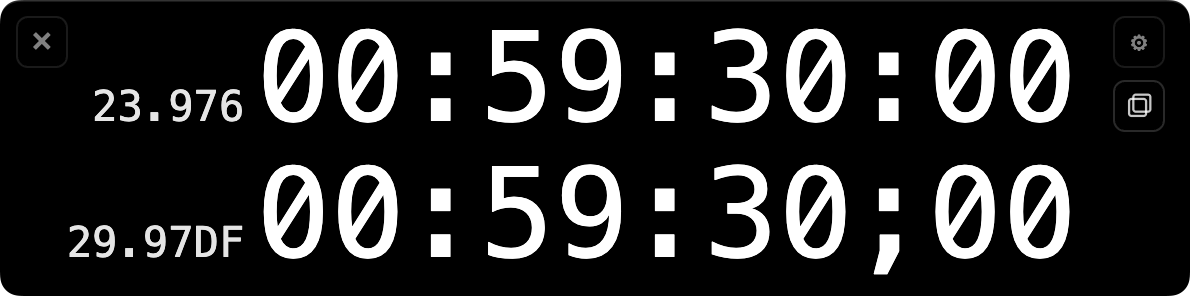
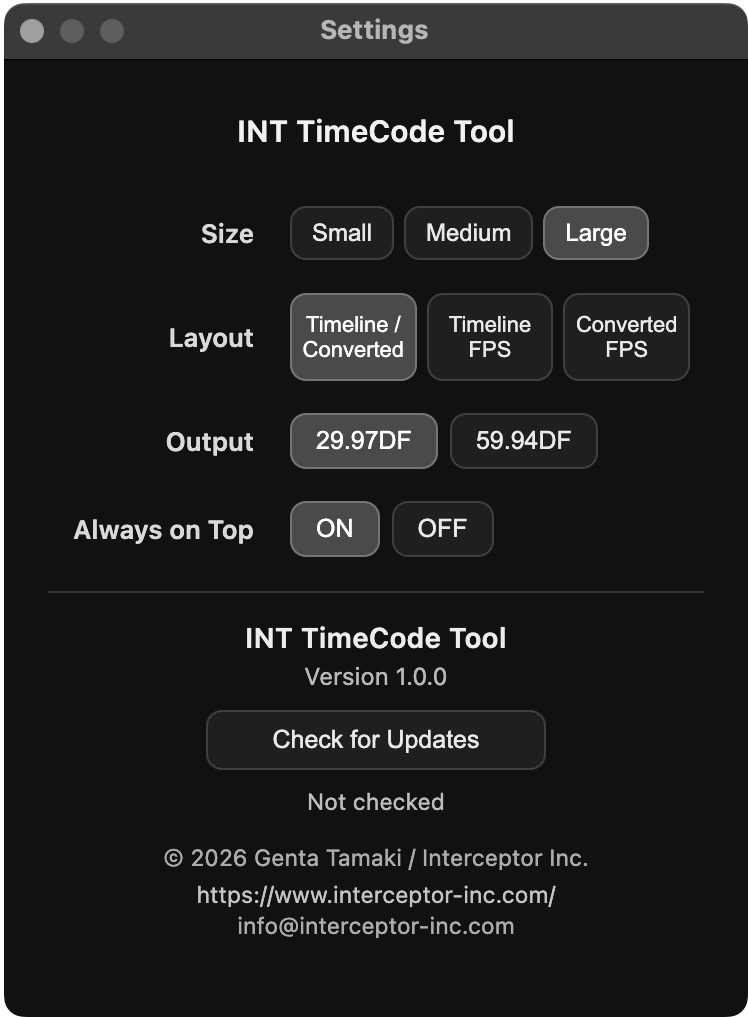
Burn-In Display (Fusion Title)NEW
INT TimeCode Tool includes a Fusion Title called
Display both timeline and converted timecode directly on the image.
Perfect for:
• reference exports
• review files
• broadcast runtime checks
• SDI / HDMI output to external monitors during editing sessions
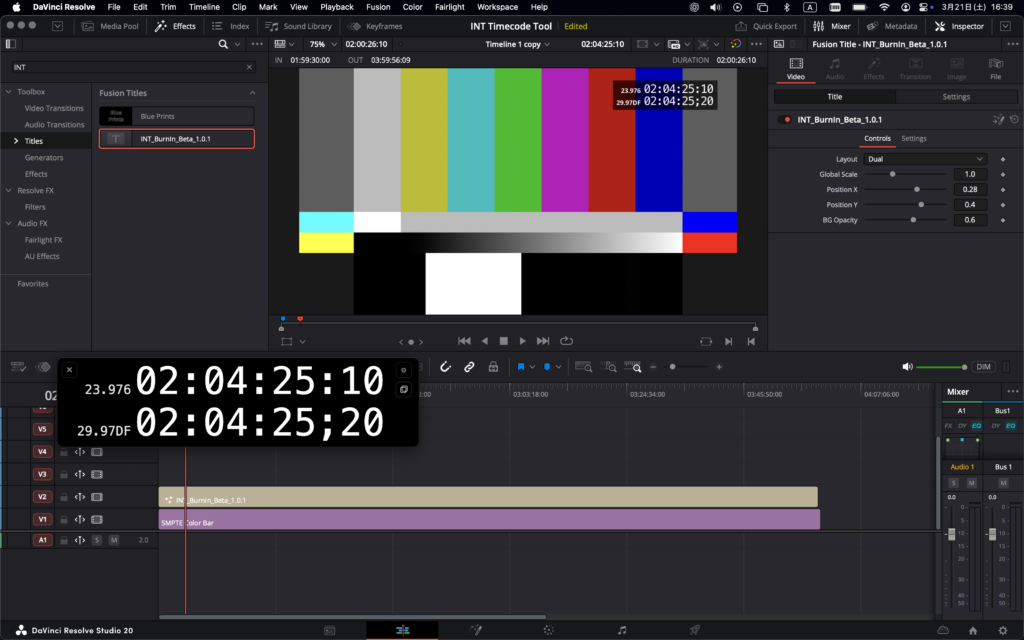
The burn-in display automatically synchronizes
with the plugin settings.
Available layouts:
• Dual
• Source Only
• Converted Only
• Horizontal
Requirements
- DaVinci Resolve Studio 20 or later
- macOS / Windows
Purchase
Support
If you have any questions, please contact:
info@interceptor-inc.com